ChopWin app download
The ChopWin app download puts our entire lobby in your pocket, from slots and crash games to virtual games and every promotion on the site. Your account, balance, and bonuses stay in sync, so you can pick up exactly where you left off.
The ChopWin app Android version installs as an APK file directly from our website, while the ChopWin app iOS version is available for iPhone and iPad. Both are free and take only a few minutes to set up.
What is the ChopWin app?
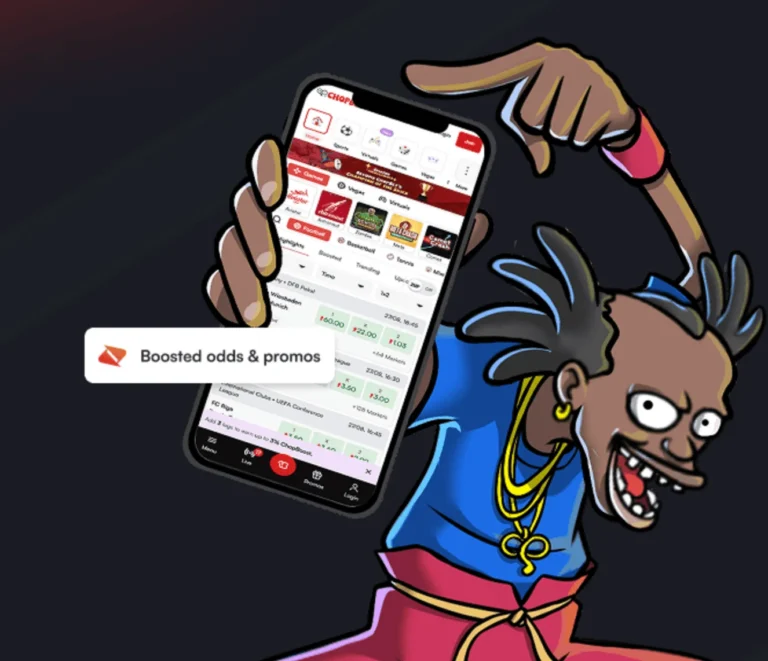
The ChopWin app is our official mobile casino for Android and iOS. It gives you the same slots, crash games, virtual games, and promotions as our website, with faster access from your home screen. You log in with the same phone number and password, and your balance stays in sync.
ChopWin APK Download & Installation for Android
Android users install the ChopWin app with an APK file, downloaded directly from the website of their country. The ChopWin APK file is free, and the whole process takes only a few minutes. Below, we split it into two simple stages: downloading the file and installing it on your Android phone.
Download Process
- Open the official ChopWin site in your phone’s browser.
- Find the app section on the site.
- Tap the Android download button.
- Confirm the download if your browser asks for permission.
- Wait for the APK file to finish downloading; it will appear in your notifications or Downloads folder.
Installation Process
- Open the APK file from your notifications or Downloads folder.
- If prompted, allow your browser to install apps from unknown sources.
- Tap Install and wait for the process to finish.
- Open the app from your home screen.
- Log in with your phone number and password, or register if you’re new.
ChopWin App Download & Installation for iOS
The ChopWin app iOS version brings our full lobby to your iPhone or iPad. Setup takes only a minute, and we recommend using Safari for the smoothest installation.
Download Process
- Open Safari on your iPhone or iPad.
- Go to the official Chop Win site, depending on your country.
- Find the app section on the site.
- Tap the iOS download button.
- Follow the on-screen prompts to start the download, and keep Safari open until it finishes.
Installation Process
- Follow the on-screen instructions to add the app to your device.
- Confirm any permission requests that appear.
- Wait for the app icon to appear on your home screen.
- Tap the icon to open the app.
- Log in with your phone number and password, or register if you’re new.
The benefits of ChopWin app
The ChopWin app gives you everything you enjoy on the website, ready whenever you are. Here are five reasons players choose it:
- Full game lobby: play the same slots, crash games, and virtual games as on the website, including Aviator and Diamonds of Liberty.
- One account everywhere: log in with your usual phone number and password, and your balance and bonuses stay in sync.
- Every promotion included: claim the welcome bonus, join Battle of the Slots, and play for the Mega Jackpots straight from your phone.
- Instant access: open the casino with one tap from your home screen, without typing a web address.
- ChopWin app Free on Android and iOS: download it at no cost from the website for your country, and set it up in minutes.
How to register from the ChopWin app?
You can create your account on ChopWin directly in the ChopWin app, and the steps match the website.
- Open the app and tap the registration button.
- Enter your phone number without the country code.
- Create a password of at least four characters, then confirm it.
- Add a referral code if you have one.
- In Uganda, also enter your name, nationality, and NIN; dial *216# to find it.
- Accept the Terms & Conditions, confirm your age (18+, or 25+ in Uganda), and tap Continue.
The ChopWin app doesn't work - What to do?
Most app issues have a quick fix. Here are the five most common problems and how to solve them:
- App won’t install on Android: allow installs from unknown sources, then open the APK file again.
- App crashes or freezes: close it completely, restart your phone, and clear space if your storage is almost full.
- Games won’t load: check your mobile data or Wi-Fi, switch to a stronger connection, and try again.
- Can’t log in: make sure you’re entering your phone number without the country code and that your password is correct.
- The app looks outdated or buggy: delete it, download the latest version from the website for your country, and install it again.
If the problem continues, contact our support team, and we’ll help you sort it out.
FAQ ChopWin app download
Is ChopWin app legit?
Yes, it is the ChopWin official app, available directly from our website and backed by our licenses in Gambia, Sierra Leone, and Uganda.
Do I receive a bonus for installing Chop Win app?
There is no separate ChopWin app install bonus, but you can claim the full welcome bonus from the app after your first deposit.
Why install the ChopWin app?
The ChopWin app gives you one-tap access to every game and promotion, with your account and balance always in sync.
Where is the ChopWin app available?
The ChopWin app is available for Android and iOS in Gambia, Sierra Leone, and Uganda.
How to make a deposit from the ChopWin app?
Log in from the official ChopWin app, open the deposit section, choose your payment method, enter the amount, and confirm.